Escape Runner
A downloadable game
🏃♂️ ESCAPE RUNNER 🐉
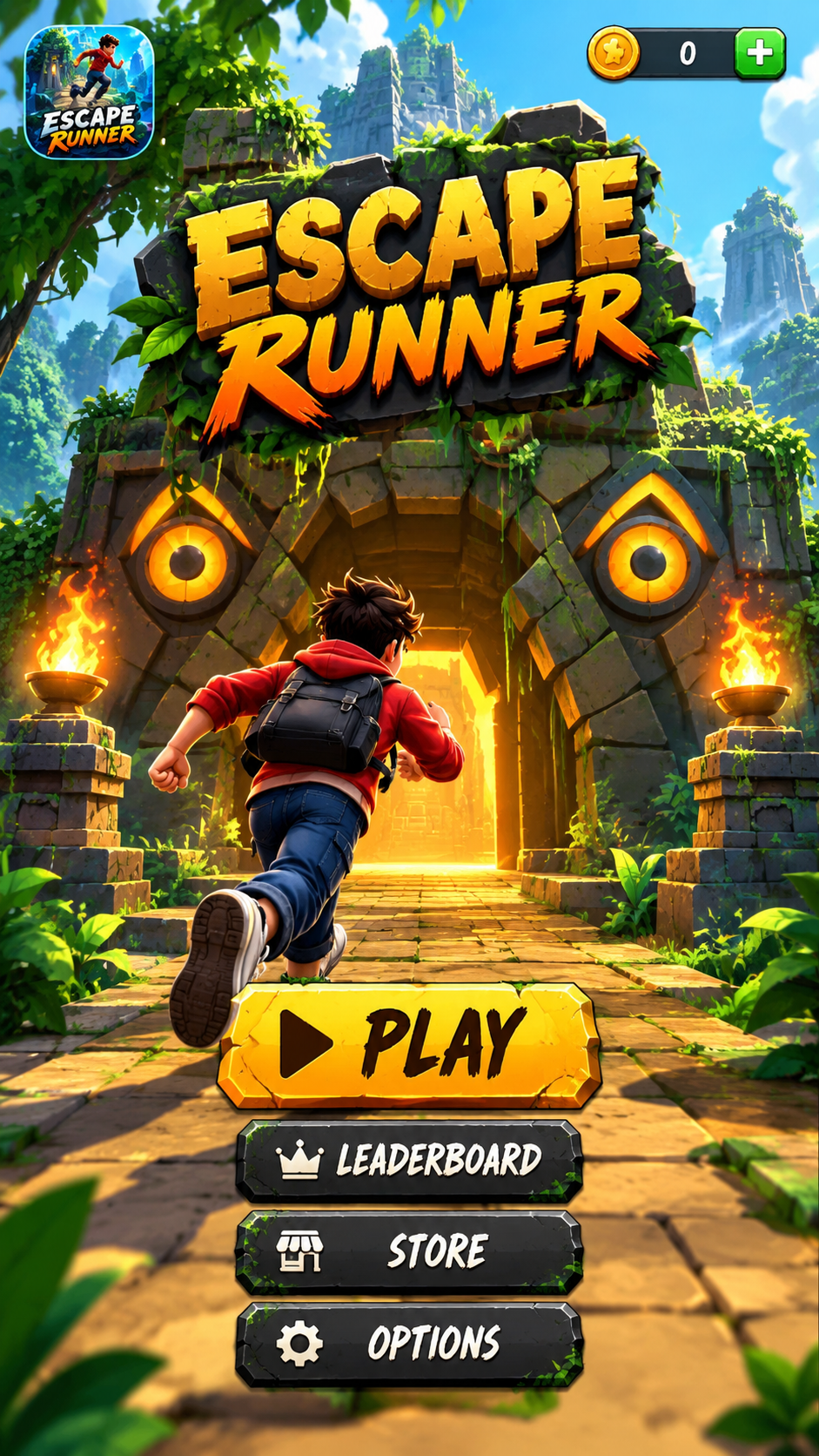
Get ready for an exciting adventure!
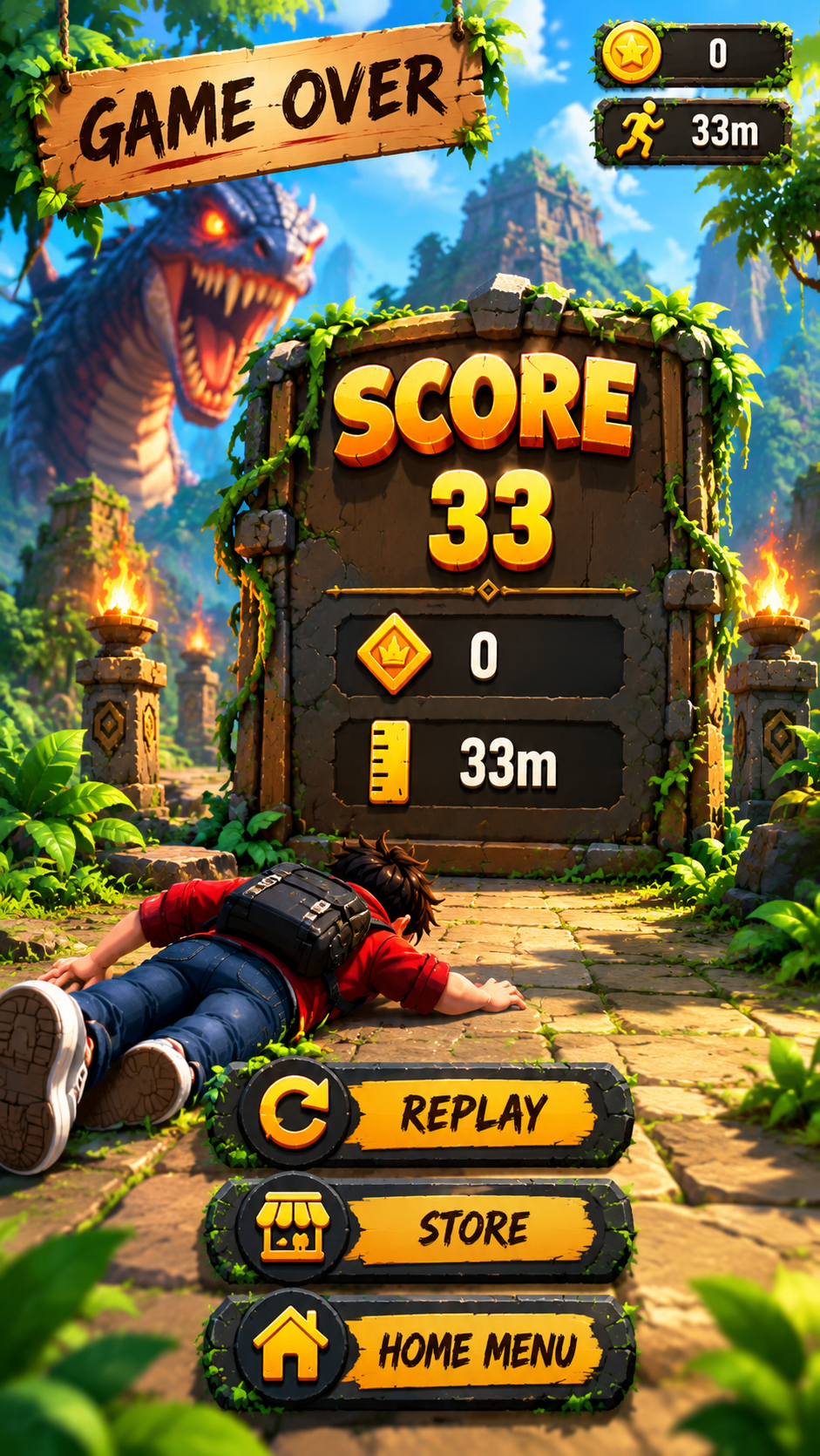
Run through mysterious jungle temples, dodge dangerous obstacles, collect coins, and escape from a terrifying giant monster. Test your reflexes and see how far you can go!
🔥 FEATURES
- 🏃 Exciting endless-running gameplay
- 🌿 Mysterious jungle and ancient temples
- 🪙 Collect coins and rewards
- ⚡ Dodge obstacles and test your reflexes
- 🏆 Challenge yourself to beat your high score
- 🎮 Simple and engaging gameplay
Can you escape the monster and become the ultimate runner?
Download Escape Runner and start your adventure today!
Download
Install instructions
🎮 Escape Runner — Download & Installation Guide
📥 How to Download Escape Runner
Follow these simple steps to download Escape Runner on your Android device.
Step 1: Open the Game Page
Visit the Escape Runner game page on itch.io using your Android phone or tablet.
Step 2: Download the Game
Find the download section on the game page and tap the download button to download the game file. Wait until the download is complete.
Step 3: Locate the Downloaded File
Open your phone's File Manager and navigate to the Downloads folder. Find the Escape Runner APK file you downloaded.
📲 How to Install Escape Runner on Android
Step 1: Open the APK File
Tap the downloaded Escape Runner APK file in your Downloads folder.
Step 2: Allow Installation if Required
If Android displays a security message, open your device's settings and allow your browser or file manager to install apps from this source. The exact setting name may vary depending on your Android version.
Only enable this permission for a source you trust, and turn it off again after installation if you do not need it.
Step 3: Install the Game
Return to the APK file and tap Install. Wait for the installation process to finish.
Step 4: Launch the Game
Once installation is complete, tap Open or find the Escape Runner icon on your home screen or in your app drawer.
🏃 How to Play Escape Runner
- Tap Play to begin your adventure.
- Run through the jungle temple and ancient ruins.
- Avoid obstacles along the path.
- Collect coins and other rewards when available.
- Keep running and try to beat your previous high score.
- Use the pause button whenever you need a break.
⚠️ Important Notes
- These installation instructions apply to the Android APK version of the game.
- Make sure you download the file from the official Escape Runner game page.
- Ensure that your device has enough free storage space.
- If Android reports that the app is incompatible or blocks installation, check the device requirements and APK compatibility.
- Never install an APK file if you cannot verify that it comes from a trustworthy source.
🎯 Ready to Run?
Download Escape Runner, install it on your Android device, and jump into an exciting jungle-running adventure!
Enjoy the game, avoid the obstacles, and see how far you can go! 🏆

Leave a comment
Log in with itch.io to leave a comment.